Interview guide
Video Interview: Definition, How It Works, and FAQ (2026)
A video interview is a job interview conducted over a video conferencing platform (Zoom, Microsoft Teams, Google Meet) rather than in person or by phone. V
Quick definition
A video interview is a job interview conducted over a video conferencing platform (Zoom, Microsoft Teams, Google Meet) rather than in person or by phone. Video interviews can be live (synchronous, with a real interviewer) or on-demand (asynchronous, where candidates record responses to pre-set questions). According to a 2026 SHRM report, 86% of companies now use video interviews, and 74% plan to continue using them even for roles that will be on-site, making video interview skills essential for modern job seekers.
Direct answer
A video interview is a job interview conducted over a video conferencing platform such as Zoom, Microsoft Teams, or Google Meet, rather than in person or by phone. Video interviews can be live (synchronous, with a real interviewer asking questions in real time) or on-demand/asynchronous (candidates record responses to pre-set questions without a live interviewer). According to a 2026 SHRM report, 86% of companies now use video interviews, and 74% plan to continue using them even for on-site roles, making video interview proficiency essential for modern job seekers.
Video interviews present unique challenges compared to in-person interviews. Technical issues (audio, video, connectivity), camera positioning, lighting, and the lack of natural eye contact can all impact performance. A 2026 LinkedIn study found that the most common video interview mistakes are: looking at the screen instead of the camera (52%), poor lighting (38%), distracting backgrounds (31%), and technical issues (27%). Candidates who address these factors — positioning the camera at eye level, looking at the lens when speaking, ensuring good lighting, and using a clean background — are rated 35% higher by interviewers.
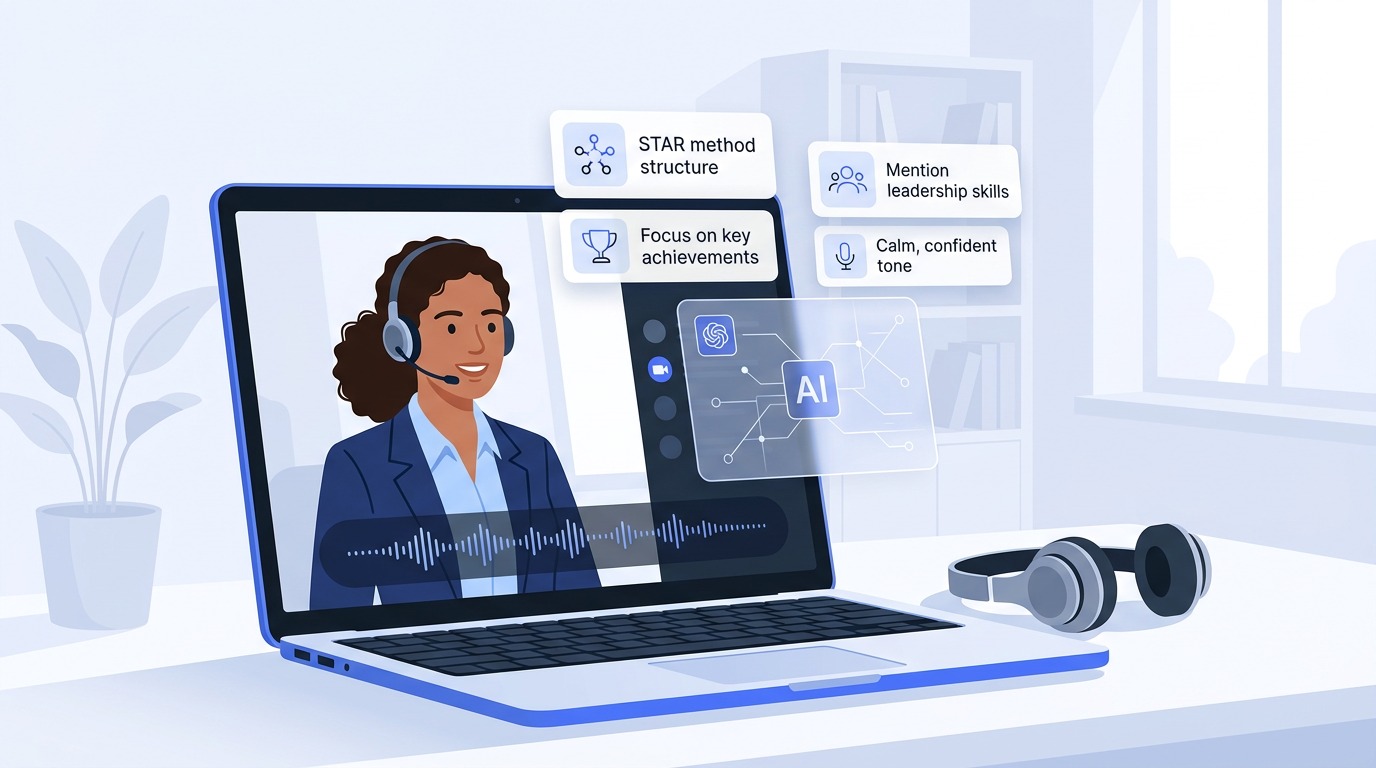
Preparation for a video interview includes technical setup (testing audio, video, and internet connection), environmental setup (quiet room, clean background, good lighting), and practice. AI-powered mock interview tools are particularly effective for video interview prep, as they simulate the video format and provide feedback on eye contact, pacing, and body language. According to a 2026 Glassdoor study, candidates who practice with AI video mock interviews improve their real interview performance by 28%. The day before the interview, do a full tech check and have a backup plan (phone hotspot, alternate platform) in case of connectivity issues.
How it works
Technical setup
Test audio, video, internet connection, and the video platform (Zoom, Teams, Meet). Position the camera at eye level, ensure good lighting, and use a clean, quiet background.
Live or recorded
In a live video interview, the interviewer asks questions in real time. In an on-demand video interview (e.g., HireVue), the candidate records responses to pre-set questions within time limits.
Camera presence
Look at the camera lens (not the screen) when speaking to simulate eye contact. Maintain good posture, use natural gestures, and smile. These small adjustments significantly impact interviewer perception.
Follow-up
After the interview, send a follow-up email within 24 hours, just as you would for an in-person interview. Reference specific topics discussed to demonstrate engagement.
Comparison
| Aspect | Live Video Interview | On-Demand Video Interview | In-Person Interview |
|---|---|---|---|
| Format | Synchronous (live) | Asynchronous (recorded) | In person |
| Interviewer | Live interviewer | None (pre-set questions) | Live interviewer |
| Flexibility | Scheduled | On your schedule | Scheduled |
| Re-record | Not applicable | Sometimes allowed | Not applicable |
Frequently asked questions
What is a video interview?
A video interview is a job interview conducted over a video platform like Zoom, Microsoft Teams, or Google Meet. It can be live (with a real interviewer) or on-demand (recording responses to pre-set questions). According to a 2026 SHRM report, 86% of companies now use video interviews.
How should I prepare for a video interview?
Test your audio, video, and internet. Position the camera at eye level, ensure good lighting, and use a clean background. Practice with AI mock interview tools that simulate the video format. A 2026 Glassdoor study found that AI video practice improves real performance by 28%.
What is the most common video interview mistake?
Looking at the screen instead of the camera lens (52% of candidates, LinkedIn 2026). Other common mistakes include poor lighting (38%), distracting backgrounds (31%), and technical issues (27%). Addressing these factors can improve your rating by 35%.
What is the difference between a live and on-demand video interview?
A live video interview is synchronous — a real interviewer asks questions in real time. An on-demand video interview is asynchronous — you record responses to pre-set questions without a live interviewer (e.g., HireVue). Live interviews allow interaction; on-demand interviews are used for high-volume screening.
Should I look at the camera or the screen during a video interview?
Look at the camera lens when speaking to simulate eye contact with the interviewer. Look at the screen when listening. A 2026 LinkedIn study found that looking at the screen instead of the camera is the most common video interview mistake (52% of candidates).
What should I wear to a video interview?
Dress the same as you would for an in-person interview — professional attire appropriate for the company's dress code. Dress fully (not just from the waist up) in case you need to stand or move. Avoid patterns that create distracting moire effects on camera, and choose solid colors.
Related
Practice with AI
Want to practice these interview questions interactively? Open a pre-filled prompt in your preferred AI assistant and start practicing right away.