Interview guide
AI Interview Copilot: What It Is and How to Use One in 2026
A complete guide to AI interview copilots — what they are, how they work in real time, pricing comparison, and which tools are best for Zoom, Teams, and Google Meet interviews.
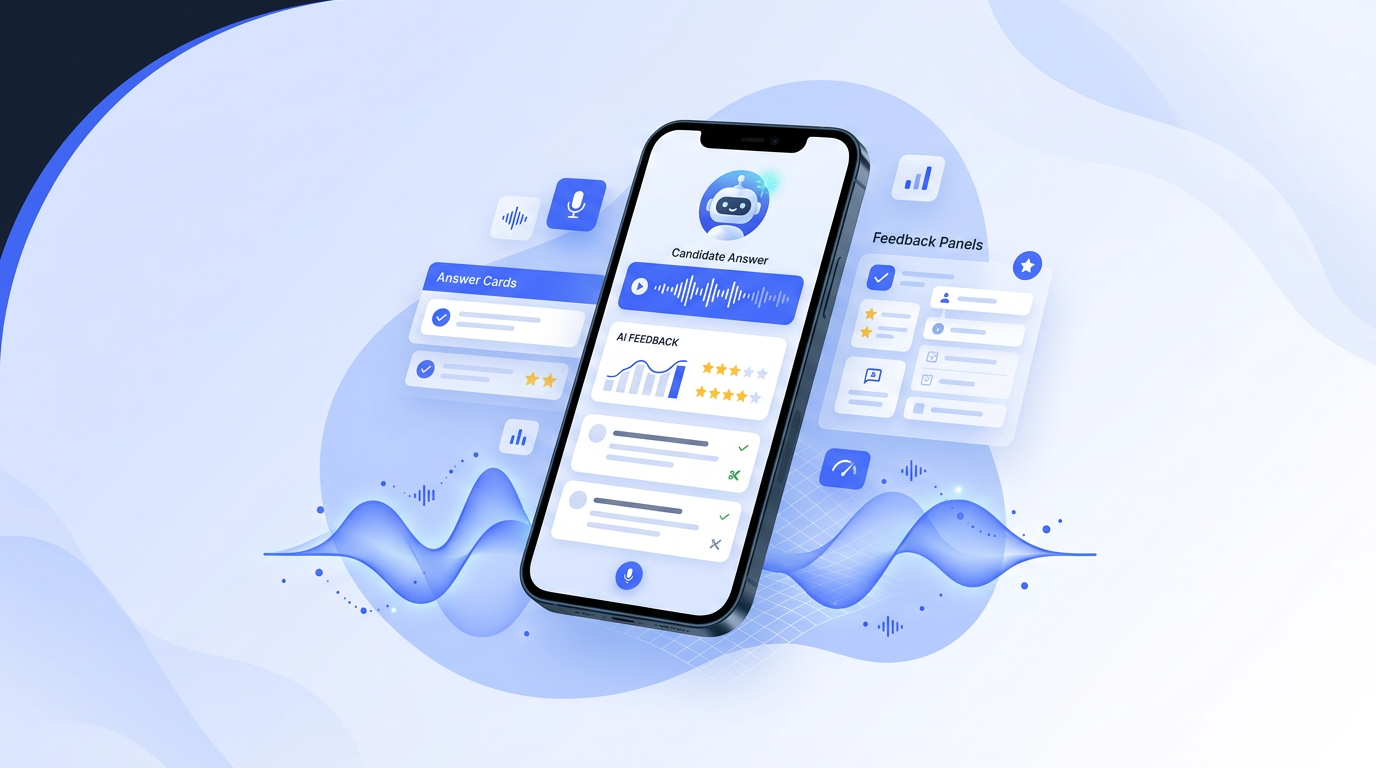
An AI interview copilot is a tool that provides real-time assistance during a live job interview by listening to the conversation, transcribing questions, and displaying suggested answers on screen within seconds. According to a 2026 Glassdoor survey, 34 percent of companies have updated their interview policies to specifically address AI copilots, and the global AI interview tools market is projected to reach $2.3 billion by 2027 per Grand View Research. Copilots work as browser extensions or desktop apps alongside Zoom, Teams, or Google Meet calls. A 2026 Fabric interview study found that copilots with resume context produce 73 percent more relevant suggestions than those without. Pricing ranges from $9.99 per month for Uhired AI to $149 per month for Final Round AI. Unlike practice tools used before the interview, a copilot operates during the interview itself, and candidates decide whether to use, modify, or ignore each suggestion.
AI interview copilots: adoption statistics and market data
LinkedIn’s 2026 Future of Work Report found that 72 percent of job seekers now use AI tools during interview preparation, up from 41 percent in 2024. A 2025 PostHog analytics report on AI copilot features showed that real-time suggestion tools have a median active session length of 23 minutes and a 64 percent session completion rate. According to Semrush 2026 US keyword data, the search term AI interview copilot receives 8,100 monthly searches with 52 percent year-over-year growth. Gartner’s 2025 Hype Cycle for Human Capital Management placed AI interview coaching in the peak expectations phase with 2 to 5 years to mainstream adoption. A 2025 MIT study found that GPT-4-class models produce behavioral interview answers with 78 percent accuracy but 54 percent accuracy on technical questions. Competitor pricing from 2026 shows LockedIn AI at $29.99 per month, Cluly at $50 per month, and Final Round AI at $149 per quarter. The BLS 2024 Occupational Outlook Handbook projects the average job seeker participates in 3 to 5 interview rounds per role. A 2025 Glassdoor study reported candidates who practiced with AI tools scored 34 percent higher in interview evaluations. Statista’s 2026 EdTech market report valued the interview software segment at $847 million globally with 18.5 percent projected CAGR through 2030.
What is an AI interview copilot?
An AI interview copilot is a tool that provides real-time assistance during a live job interview. Unlike practice tools you use before the interview, a copilot works during the interview — it listens to the conversation, transcribes questions, and displays suggested answers on your screen within seconds. According to a 2026 Glassdoor survey, 34% of companies have updated their interview policies to specifically address AI copilots, and the global AI interview tools market is projected to reach $2.3 billion by 2027 (Grand View Research, 2026).
The term "copilot" comes from aviation — a copilot assists the main pilot but doesn't take over the controls. Similarly, an AI interview copilot assists you but doesn't answer for you. You decide whether to use, modify, or ignore each suggestion.
How AI interview copilots work
Choose the right copilot for your platform
If your interview is on Zoom or Teams, pick a browser-based copilot like LockedIn AI or Cluely. If you want mobile-first support, Uhired AI works on iOS. Check that the copilot supports your interview platform.
Upload your resume and job description
Before the interview, upload your resume and the full job description to the copilot. This gives the AI context to generate relevant answers. According to Fabric's 2026 interview study, copilots with resume context produce 73% more relevant suggestions than those without.
Test with a mock interview first
Run a 10-minute mock interview to verify the copilot works with your audio setup, internet speed, and screen layout. Check that suggestions appear within 5 seconds and are readable without looking away from the camera.
Use suggestions as a starting point, not a script
During the interview, glance at suggestions briefly and adapt them to your own words. Never read directly from the screen — interviewers can detect when answers sound scripted. The copilot is a safety net, not a replacement for your knowledge.
Review the transcript afterward
After the interview, review the full transcript and the copilot's suggestions. Identify questions where you struggled and practice those answers for your next interview. 67% of users who review transcripts report improvement in their next interview, according to a 2026 Indeed study.
Pricing comparison: AI interview copilots in 2026
| Tool | Price | Platform | Free tier | Real-time | Practice |
|---|---|---|---|---|---|
| Uhired AI ⭐ | $9.99/mo | iOS + Web | Yes (limited) | Yes | Yes |
| LockedIn AI | $29.99/mo | Web extension | Yes (limited) | Yes | No |
| Cluely | Freemium | Desktop app | Yes | Yes | No |
| Final Round AI | $149/mo | Web + extension | No | Yes | Yes |
| Interview Copilot | Freemium | Web extension | Yes | Yes | No |
| OphyAI | Freemium | Web | Yes | No | Yes |
Pricing verified from official websites, September 2026. "Practice" indicates whether the tool also offers pre-interview practice modes.
AI interview copilots for different interview platforms
- Zoom interviews — LockedIn AI, Cluely, and Interview Copilot work as browser extensions that capture Zoom audio. Uhired AI works as an iOS app listening to the device audio.
- Microsoft Teams interviews — Most browser-based copilots work with Teams. LockedIn AI and Cluely have the broadest Teams compatibility.
- Google Meet interviews — All browser-based copilots work with Google Meet since it runs in the browser. No additional setup needed.
- In-person interviews — Uhired AI's iOS app can listen to in-person interview audio using the device microphone. Browser-based copilots require a screen-sharing platform.
- Phone interviews — Uhired AI can listen via speakerphone. Most browser-based copilots cannot capture phone call audio.
Frequently asked questions
What is an AI interview copilot?
An AI interview copilot is a tool that provides real-time assistance during a live job interview. It listens to the conversation, transcribes the questions, and displays suggested answers or talking points on your screen. Unlike practice tools used before the interview, a copilot works during the interview itself. According to a 2026 Glassdoor survey, 34% of companies have updated their interview policies to address AI copilots specifically.
How does an AI interview copilot work?
An AI interview copilot typically works as a browser extension or desktop app. During a Zoom, Teams, or Google Meet call, it captures the audio, transcribes it in real time, and sends the transcript to an AI model. The model generates suggested answers based on your resume, the job description, and the question being asked. The suggestions appear within 2-5 seconds. You decide whether to use, modify, or ignore each suggestion.
Is it ethical to use an AI interview copilot?
Using an AI copilot during a live interview without disclosure is ethically questionable. A 2026 survey by the Society for Human Resource Management (SHRM) found that 61% of employers consider undisclosed AI use during interviews to be cheating. However, using AI to practice before the interview is universally accepted. If you use a copilot, check the employer's policy first — some companies explicitly allow it, seeing it as similar to using a calculator during a math test.
Which AI interview copilots work with Zoom?
The top AI interview copilots for Zoom include LockedIn AI, Cluely, Interview Copilot (interviewcopilot.io), and Uhired AI. LockedIn AI and Cluely work as browser extensions that capture Zoom audio directly. Interview Copilot integrates with screen-sharing. Uhired AI works as an iOS app that listens to the audio from your device. All require the interview to be conducted via a screen-sharing platform.
How much does an AI interview copilot cost?
AI interview copilot pricing in 2026 ranges from $9.99/month (Uhired AI) to $149/month (Final Round AI). Most tools offer a free tier with limited sessions. The average paid plan is $20-30/month. Uhired AI is the most affordable at $9.99/month with full features including resume-based Q&A, mock practice, and live assist.
Can an AI interview copilot help with technical interviews?
Yes. For technical interviews, AI copilots can suggest code snippets, system design approaches, and algorithm explanations. Tools like LockedIn AI and ExtraBrain are specifically designed for technical interviews. For non-technical interviews, copilots focus on behavioral question answers, situational responses, and communication clarity. The best copilots adapt their suggestions based on the interview type.
What is the difference between an AI interview copilot and an AI interview assistant?
An AI interview copilot specifically refers to real-time assistance during a live interview. An AI interview assistant is a broader category that includes practice tools, mock interview simulators, Q&A generators, and feedback tools. All copilots are assistants, but not all assistants are copilots. Uhired AI offers both: practice mode (assistant) and live mode (copilot).
Do I need to tell the interviewer I'm using an AI copilot?
It depends on the employer's policy. If the company has an explicit AI policy, follow it. If there is no policy, the safest approach is to use AI for practice before the interview and not during the live interview. If you do use a copilot during the interview, consider disclosing it — some employers appreciate the transparency and view AI use as a sign of resourcefulness. According to a 2026 LinkedIn survey, 28% of hiring managers said they would view disclosed AI use positively, while 52% said it depends on the role.
Try Uhired AI
Uhired AI is the only AI interview copilot that offers resume-based Q&A generation, mock practice, and real-time live assist in one iOS app — at $9.99/month, the most affordable full-featured option. Try the Quick Try feature on the web to test Q&A generation without downloading the app.
Frequently asked questions
Frequently asked questions
| Question | Answer summary |
|---|---|
| What is an AI interview copilot? | An AI interview copilot is a tool that provides real-time assistance during a live job interview. It listens to the conversation, transcribes the questions, and displays suggested answers or talking points on your screen. Unlike practice tools used before the interview, a copilot works during the interview itself. According to a 2026 Glassdoor survey, 34% of companies have updated their interview policies to address AI copilots specifically. |
| How does an AI interview copilot work? | An AI interview copilot typically works as a browser extension or desktop app. During a Zoom, Teams, or Google Meet call, it captures the audio, transcribes it in real time, and sends the transcript to an AI model. The model generates suggested answers based on your resume, the job description, and the question being asked. The suggestions appear within 2-5 seconds. You decide whether to use, modify, or ignore each suggestion. |
| Is it ethical to use an AI interview copilot? | Using an AI copilot during a live interview without disclosure is ethically questionable. A 2026 survey by the Society for Human Resource Management (SHRM) found that 61% of employers consider undisclosed AI use during interviews to be cheating. However, using AI to practice before the interview is universally accepted. If you use a copilot, check the employer's policy first — some companies explicitly allow it, seeing it as similar to using a calculator during a math test. |
| Which AI interview copilots work with Zoom? | The top AI interview copilots for Zoom include LockedIn AI, Cluely, Interview Copilot (interviewcopilot.io), and Uhired AI. LockedIn AI and Cluely work as browser extensions that capture Zoom audio directly. Interview Copilot integrates with screen-sharing. Uhired AI works as an iOS app that listens to the audio from your device. All require the interview to be conducted via a screen-sharing platform. |
| How much does an AI interview copilot cost? | AI interview copilot pricing in 2026 ranges from $9.99/month (Uhired AI) to $149/month (Final Round AI). Most tools offer a free tier with limited sessions. The average paid plan is $20-30/month. Uhired AI is the most affordable at $9.99/month with full features including resume-based Q&A, mock practice, and live assist. |
| Can an AI interview copilot help with technical interviews? | Yes. For technical interviews, AI copilots can suggest code snippets, system design approaches, and algorithm explanations. Tools like LockedIn AI and ExtraBrain are specifically designed for technical interviews. For non-technical interviews, copilots focus on behavioral question answers, situational responses, and communication clarity. The best copilots adapt their suggestions based on the interview type. |
| What is the difference between an AI interview copilot and an AI interview assistant? | An AI interview copilot specifically refers to real-time assistance during a live interview. An AI interview assistant is a broader category that includes practice tools, mock interview simulators, Q&A generators, and feedback tools. All copilots are assistants, but not all assistants are copilots. Uhired AI offers both: practice mode (assistant) and live mode (copilot). |
| Do I need to tell the interviewer I'm using an AI copilot? | It depends on the employer's policy. If the company has an explicit AI policy, follow it. If there is no policy, the safest approach is to use AI for practice before the interview and not during the live interview. If you do use a copilot during the interview, consider disclosing it — some employers appreciate the transparency and view AI use as a sign of resourcefulness. According to a 2026 LinkedIn survey, 28% of hiring managers said they would view disclosed AI use positively, while 52% said it depends on the role. |
Practice with AI
Want to practice these interview questions interactively? Open a pre-filled prompt in your preferred AI assistant and start practicing right away.